4 min
Designing a gaming overlay that blends on the UI of the most popular MOBA of all times
Zentry's challenge system needed to live inside League of Legends matches — not beside them. The overlay had to feel like it belonged to a game that 130 million players already have muscle memory for.
1. Problem
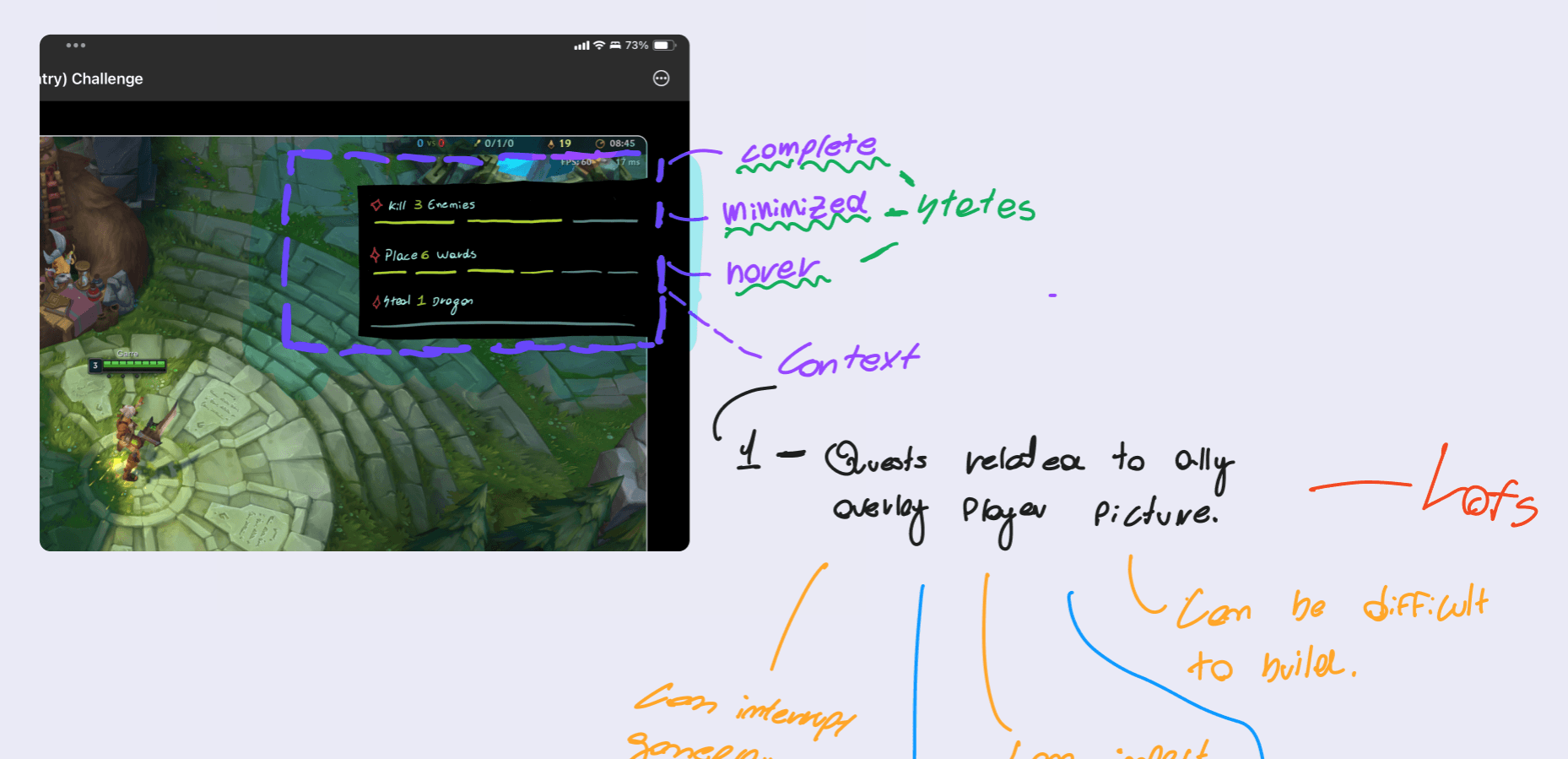
The Zentry companion app could detect in-game events — kills, purchases, ward placements — but had no way to surface quest progress to the player during a match. Players had to alt-tab to check their status, breaking focus in a game where a two-second distraction costs a teamfight.
The constraints were severe. League's HUD is dense — health bars, minimap, ability cooldowns, chat, scoreboard. Any overlay that competed for attention would get disabled immediately. And Riot's design language (Hextech) is so visually specific that anything off-brand would look like malware.
The design needed to be invisible until it mattered — and unmistakably League when it appeared.
2. Research
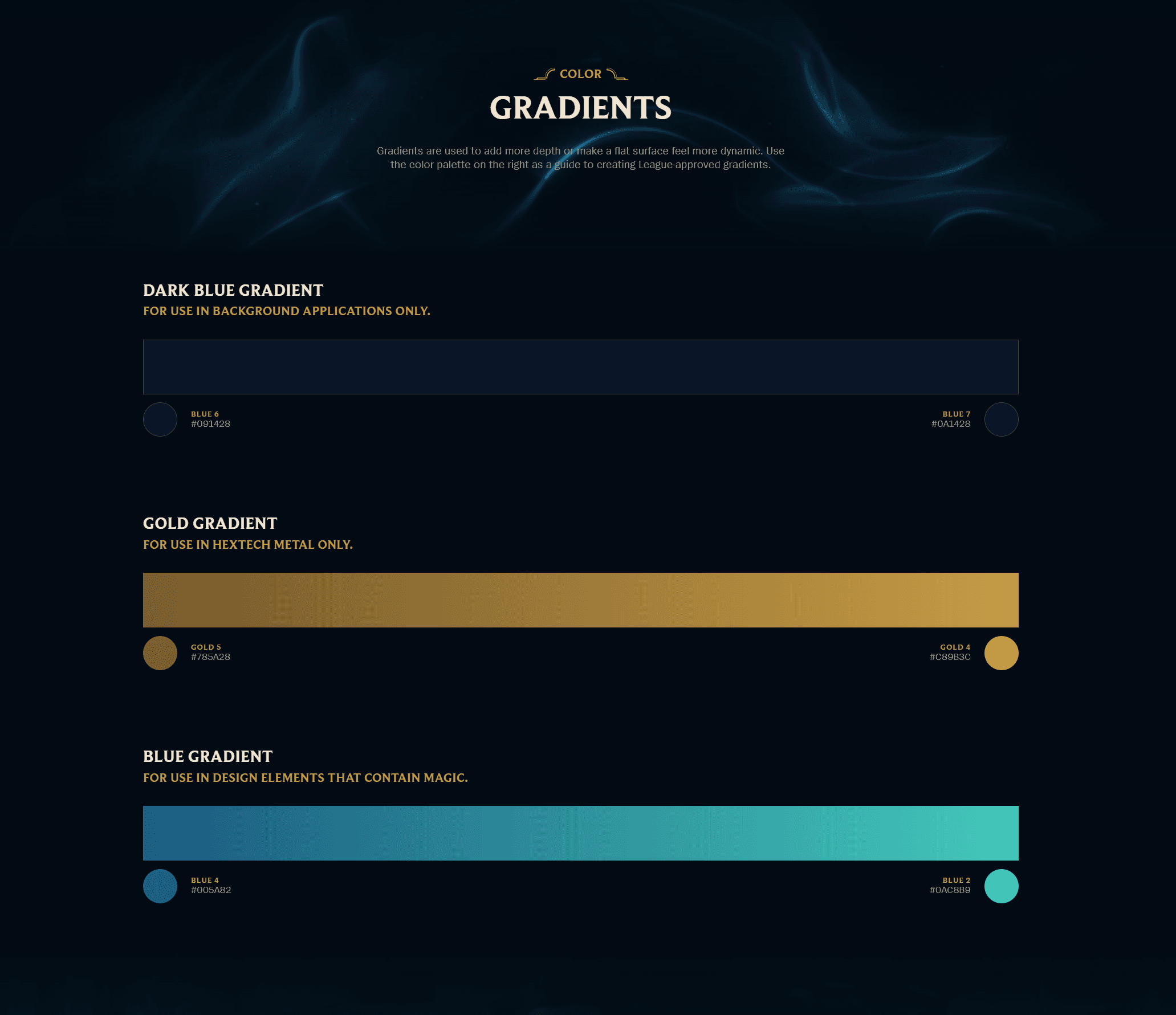
I started by reverse-engineering Riot's design system from their public brand guidelines and in-game assets. The Hextech visual language is built on three gradient families: dark blue (#091428 → #0A1428) for backgrounds, gold (#785A28 → #CB9B3C) for metallic accents and borders, and a signature blue-to-teal (#005A82 → #0AC8B9) for magic effects and interactive elements.
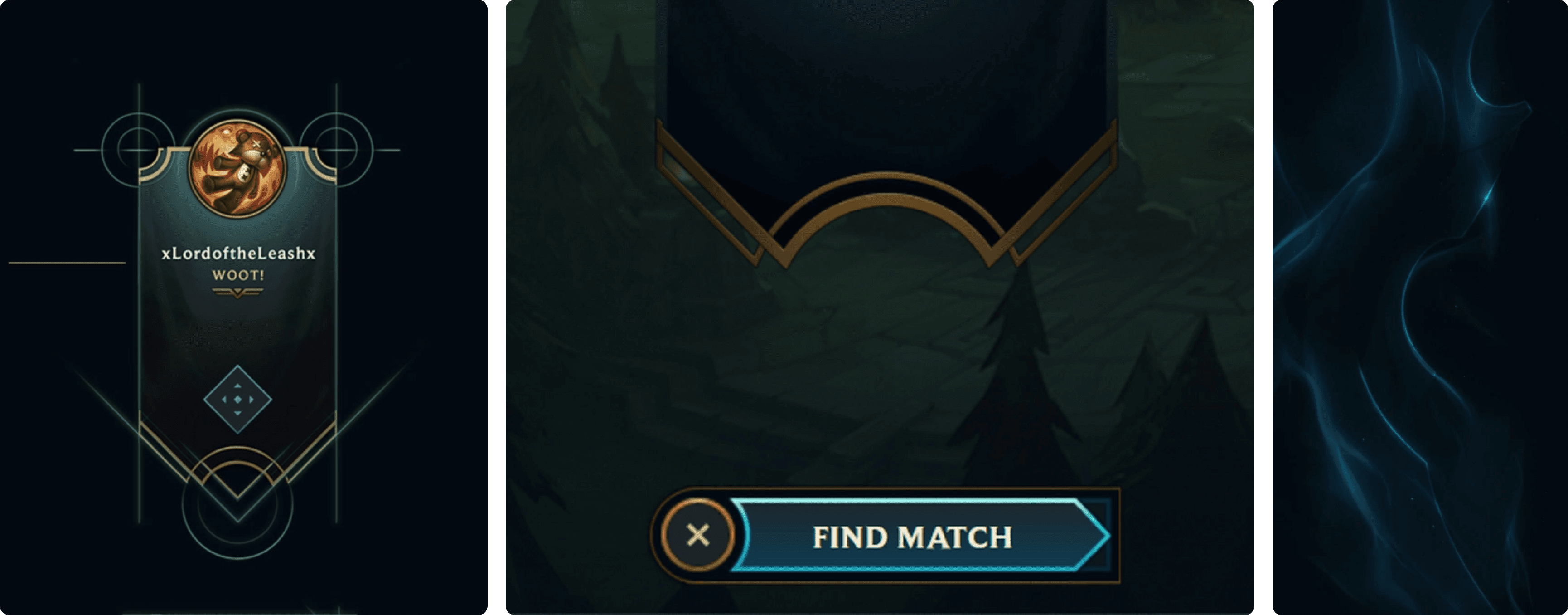
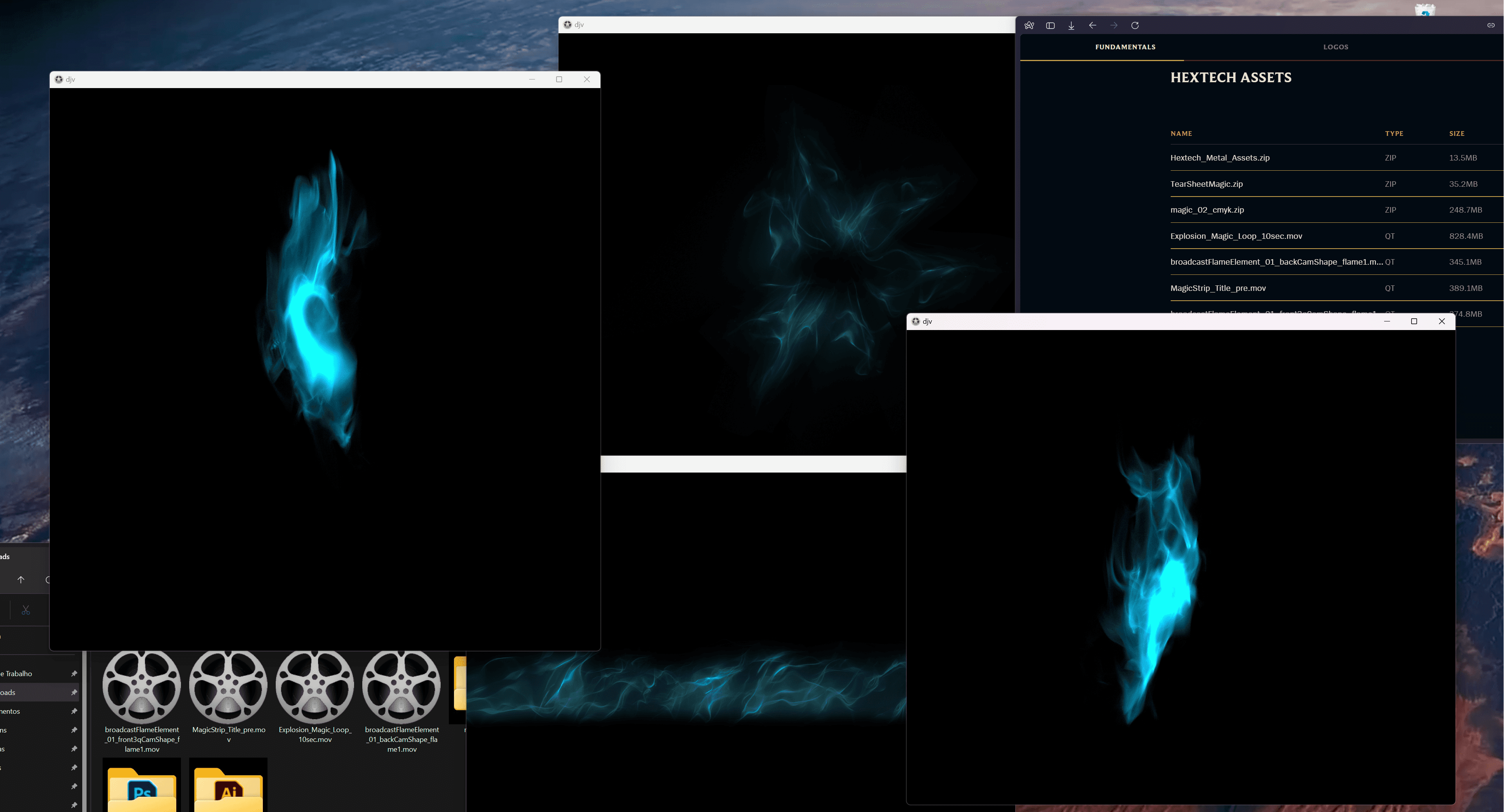
Downloaded and catalogued Riot's Hextech asset kit — magic flame effects, broadcast elements, title strips. These weren't decorative. They were the vocabulary I needed to make the overlay feel authored by Riot, not bolted on by a third party.
3. User Journey
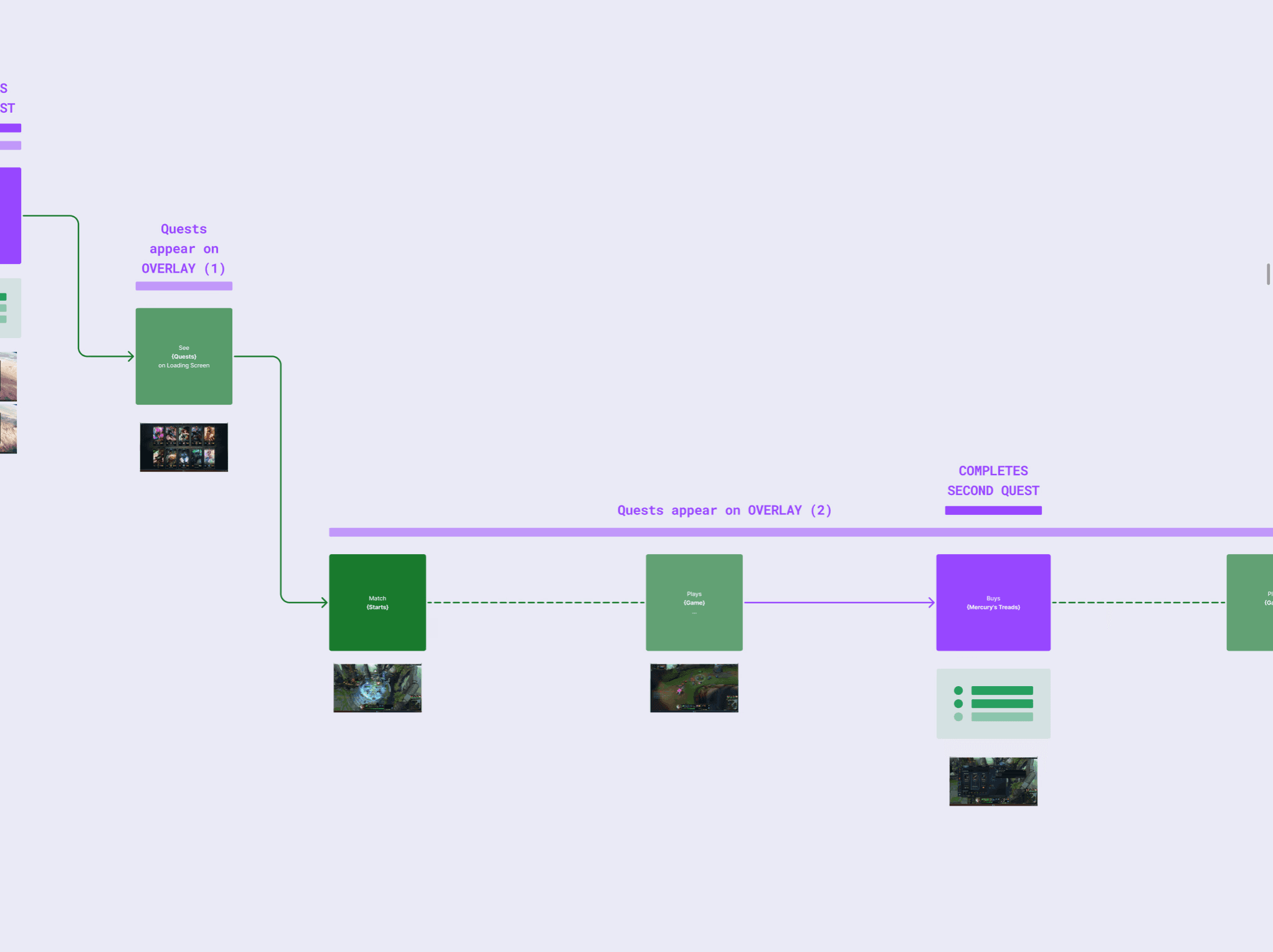
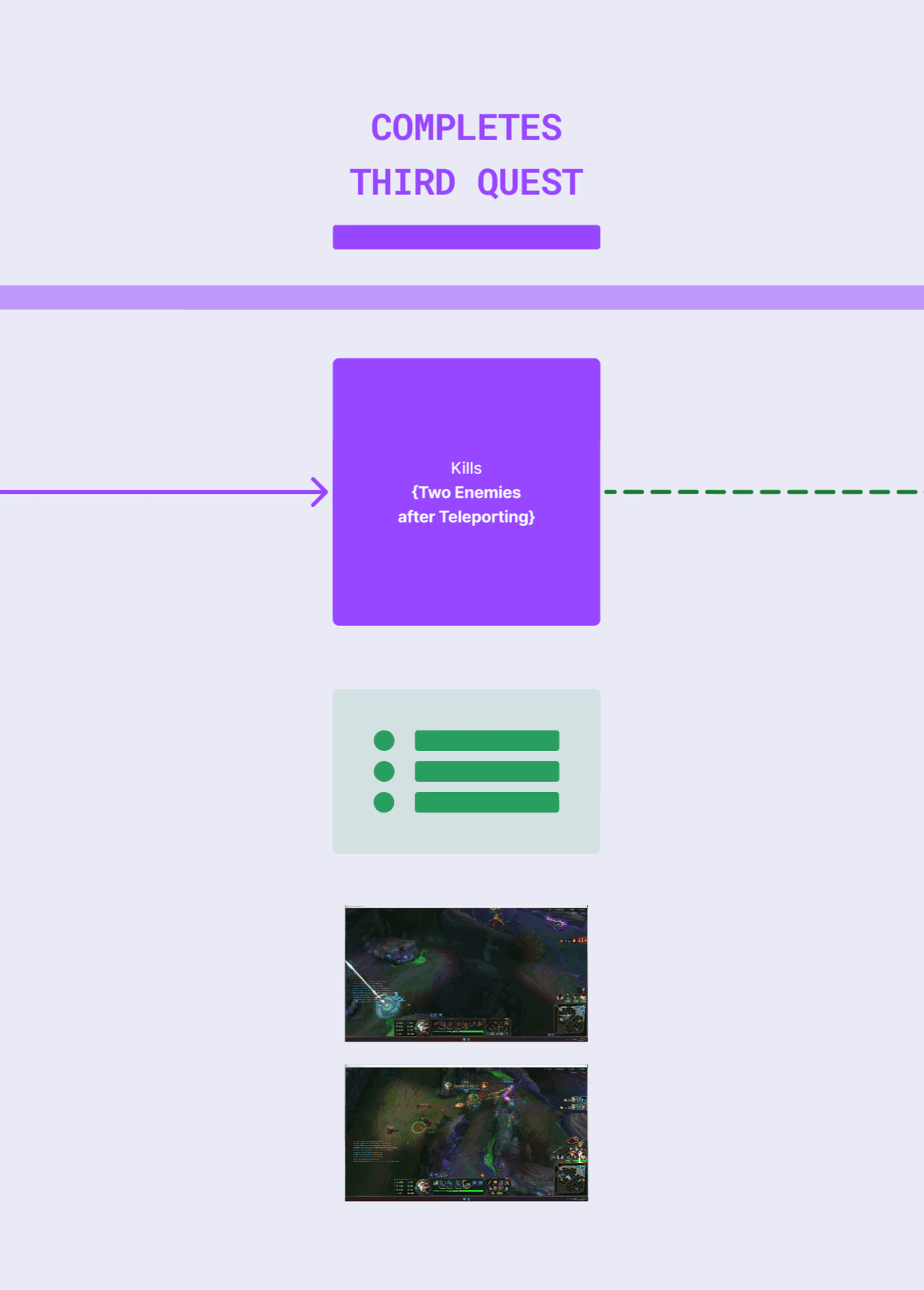
4. Iterations
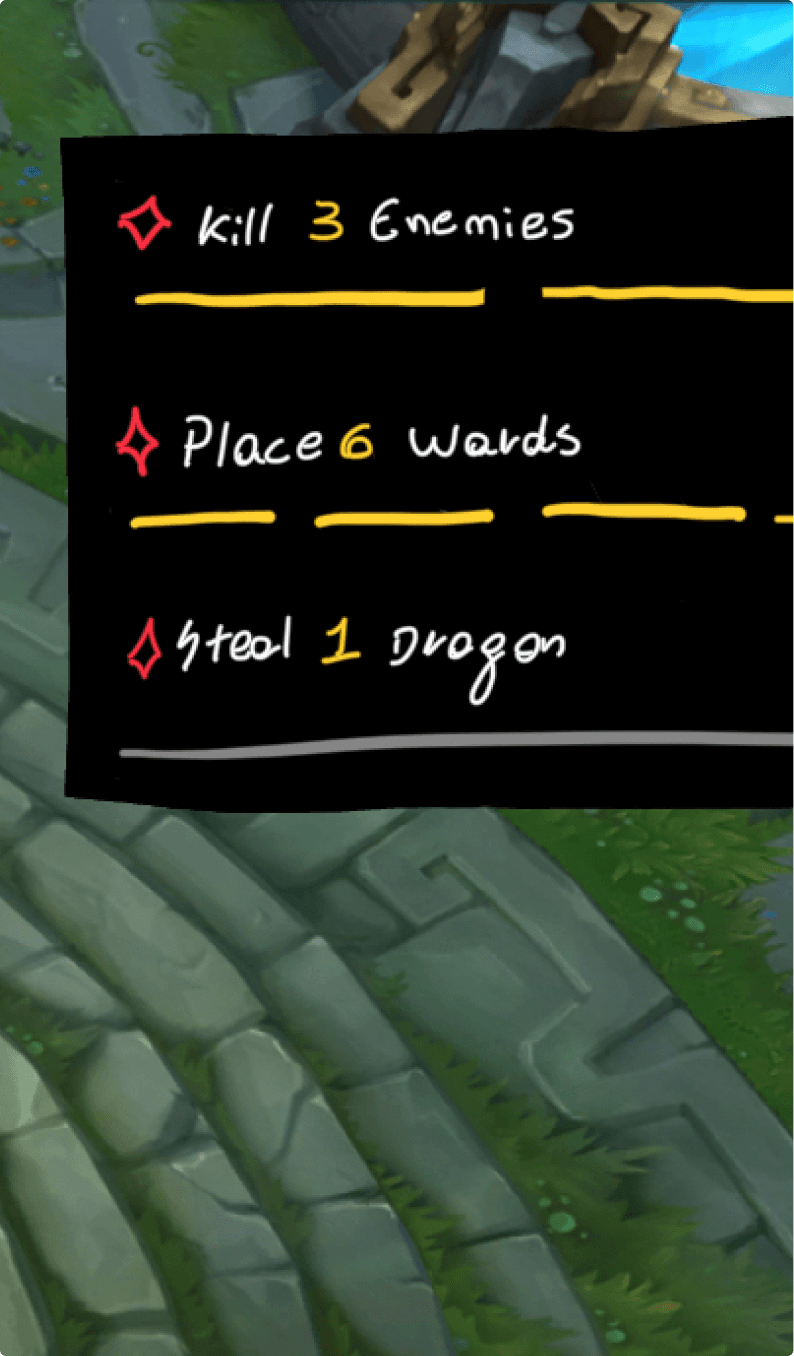
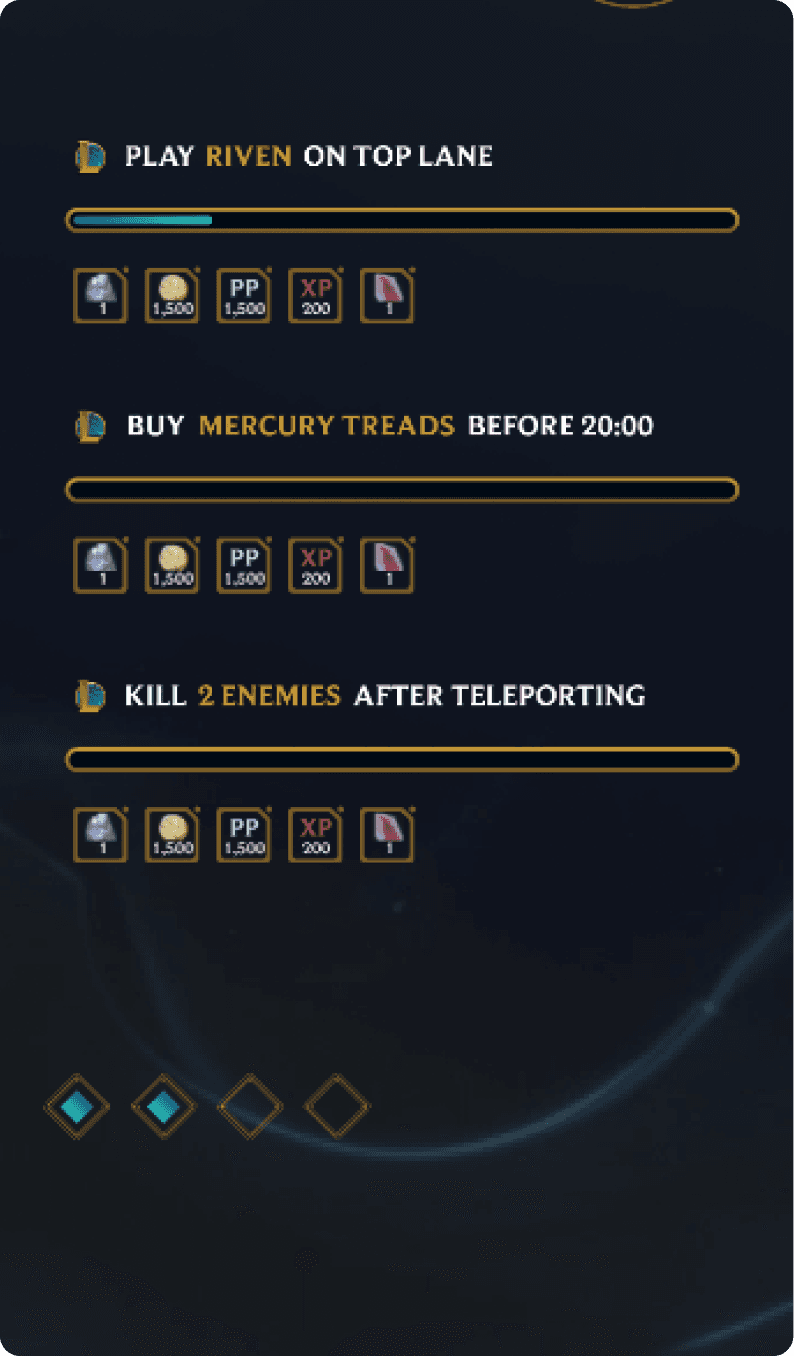
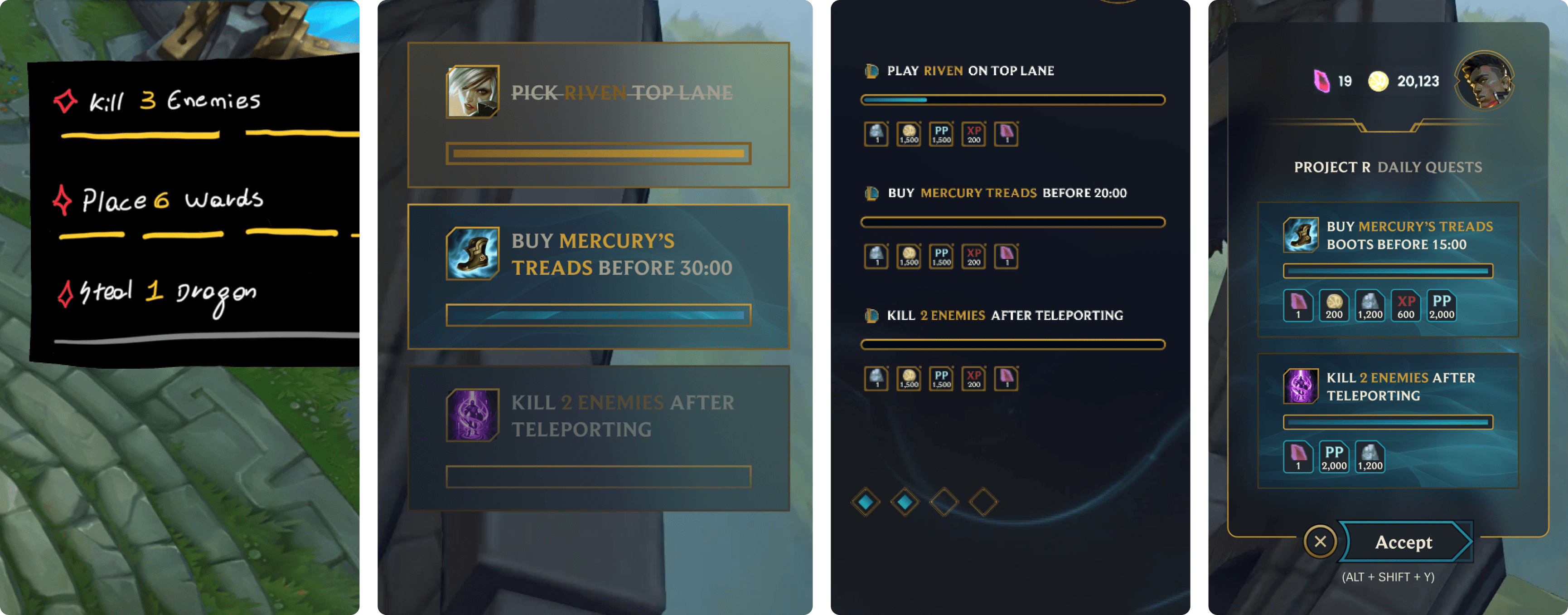
5. Design System
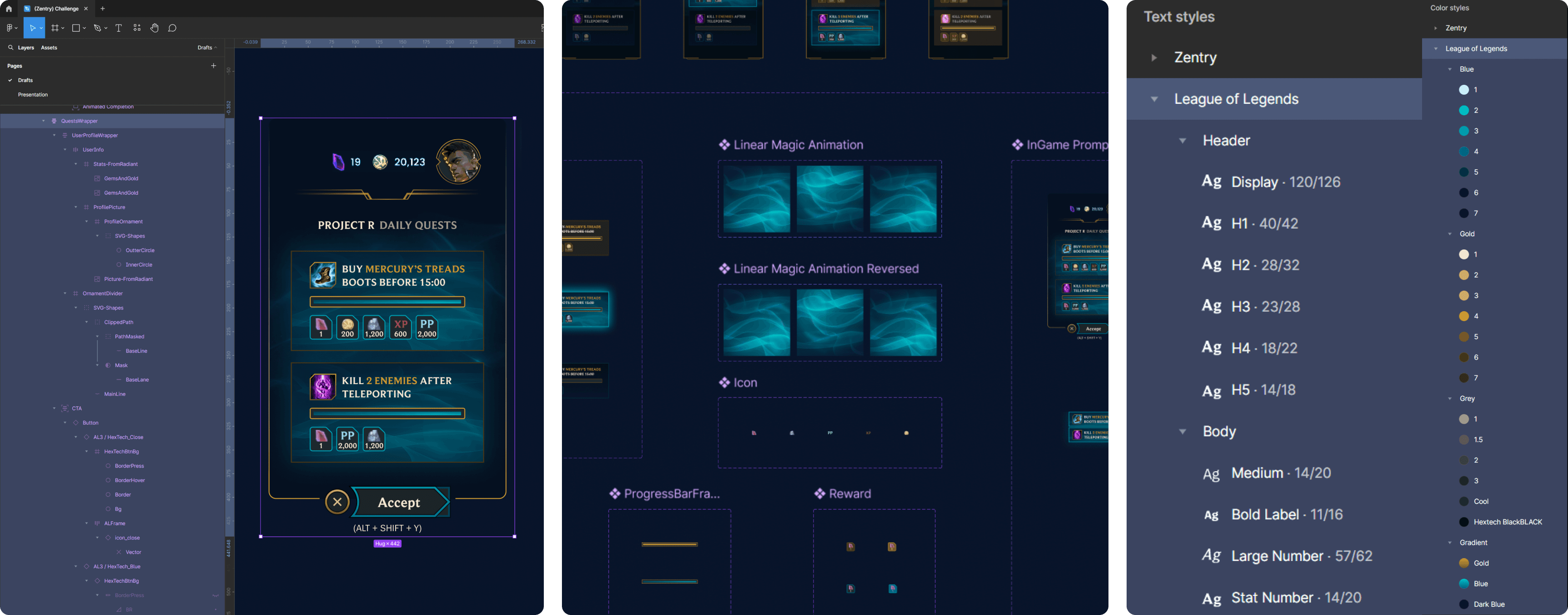
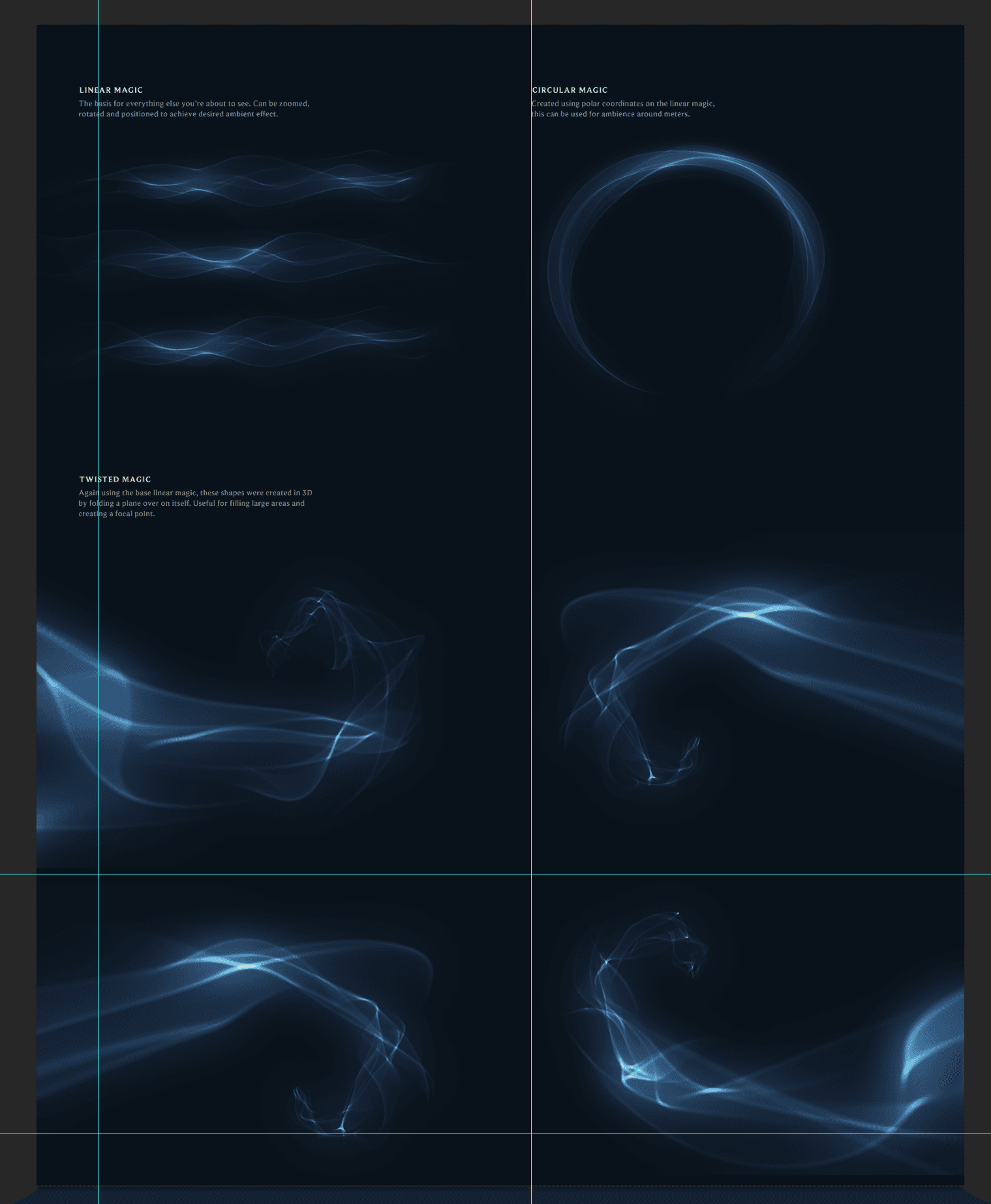
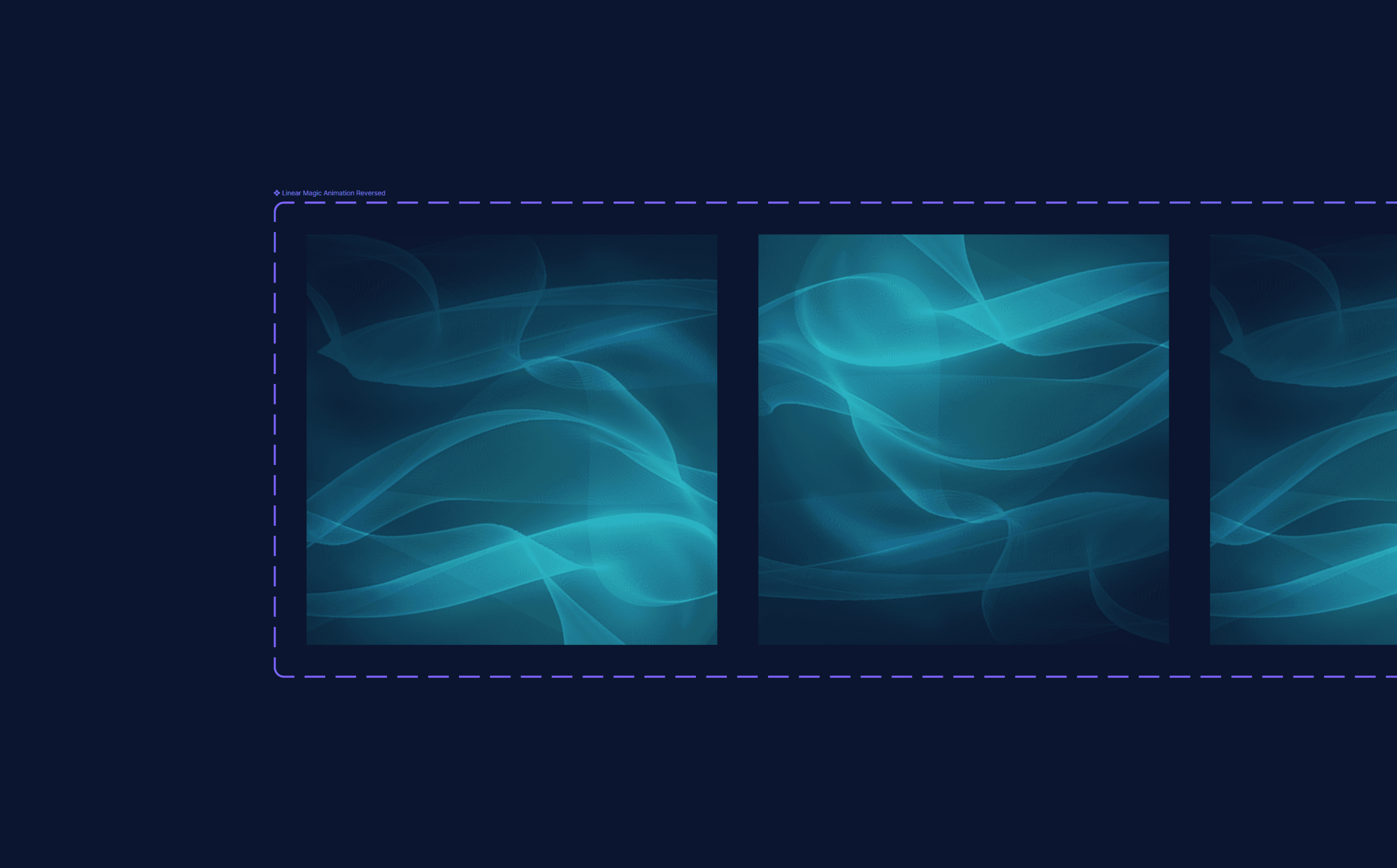


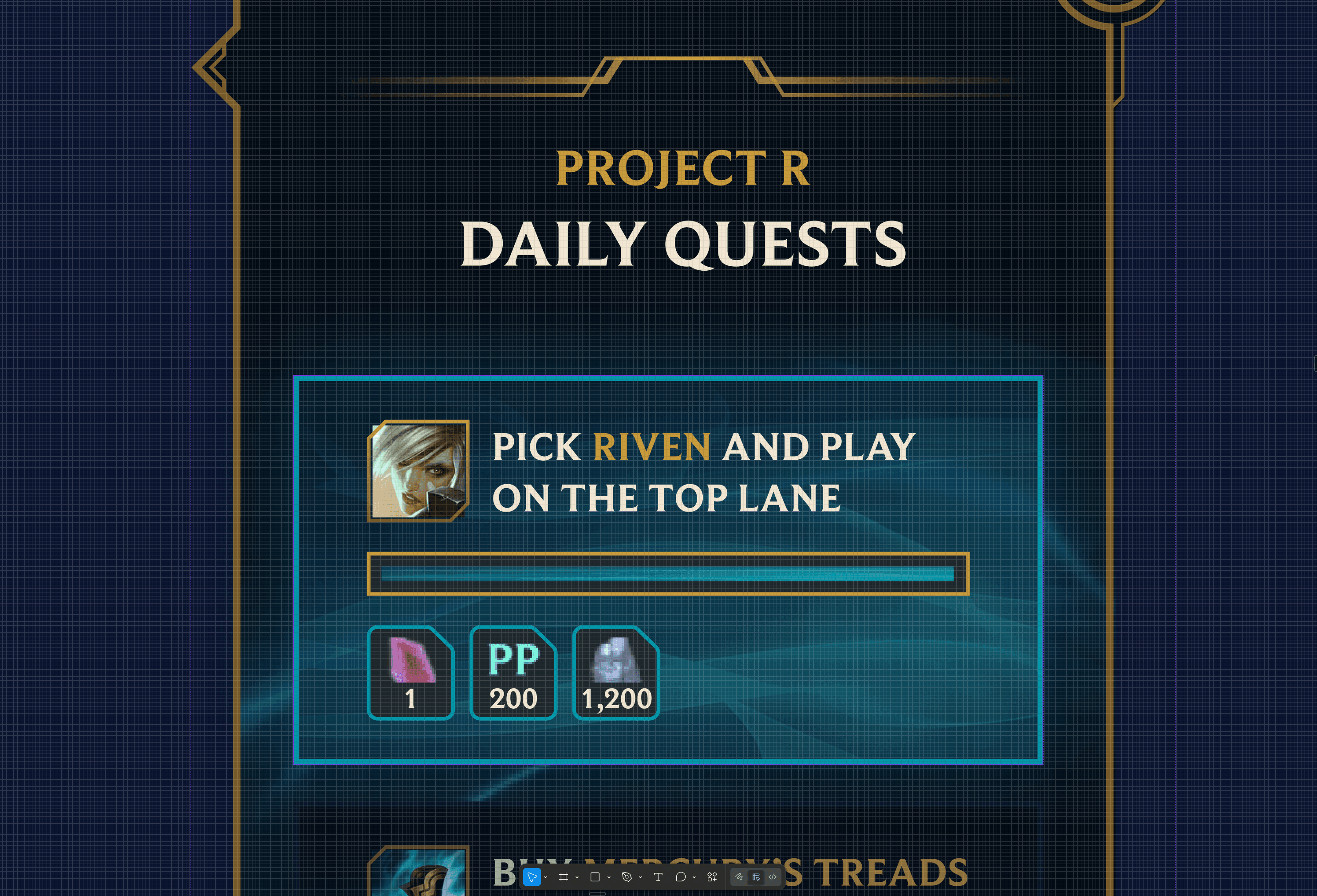
The progress bar was a component on its own — a gold-bordered container with a gradient fill that uses the blue magic texture. Not a flat bar. The texture communicates that progress is alive, tied to the Hextech magic system that permeates League's visual identity.
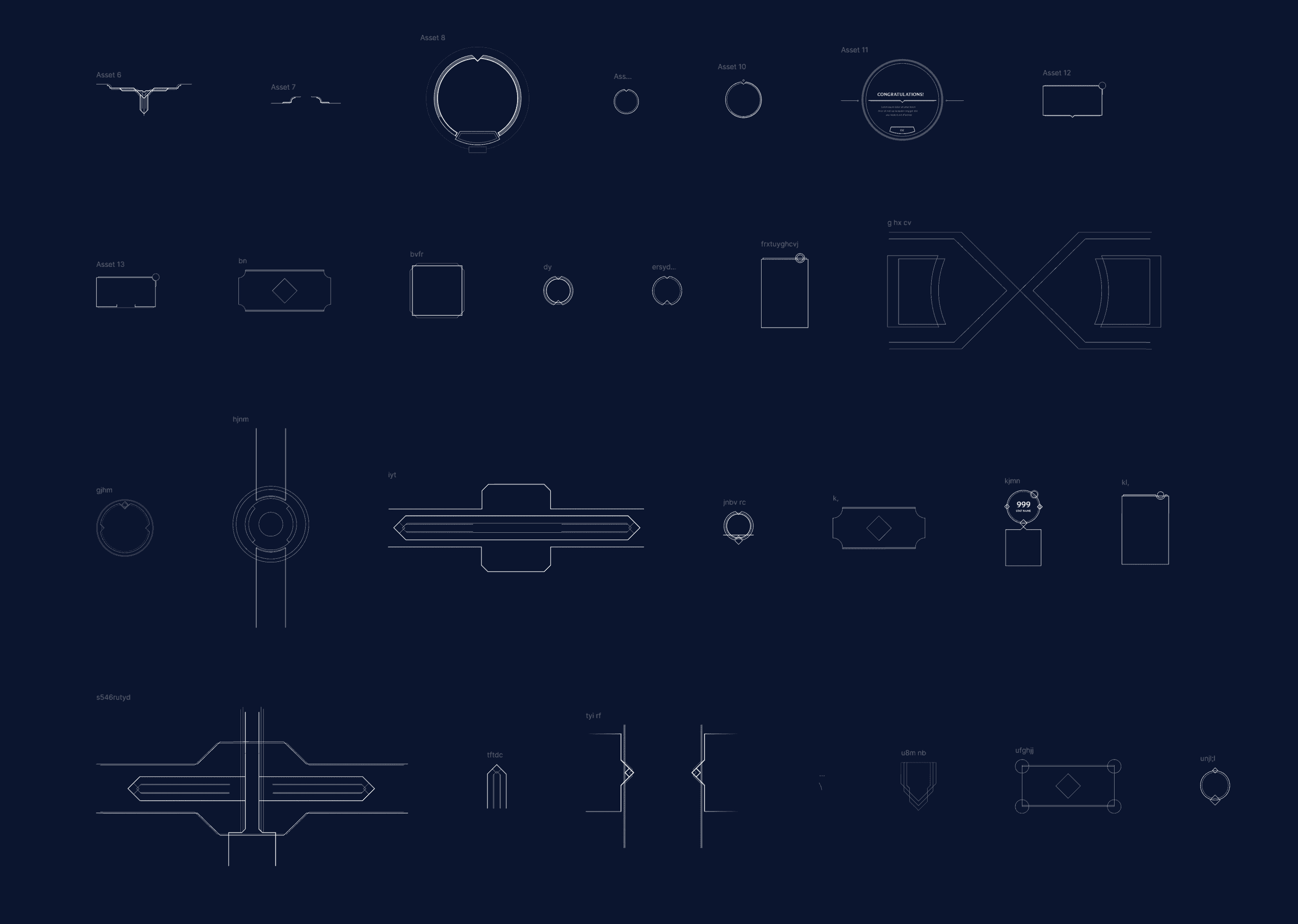
Components were structured for handoff: QuestsWrapper → UserProfileWrapper → UserInfo (stats, gems, gold), ProfileOrnament (Hextech decorative frames), ProfilePicture → Quest cards → ProgressBar, Reward chips → CTA (HexTech_Close, HexTech_Blue variants with press/hover/border states).

6. States
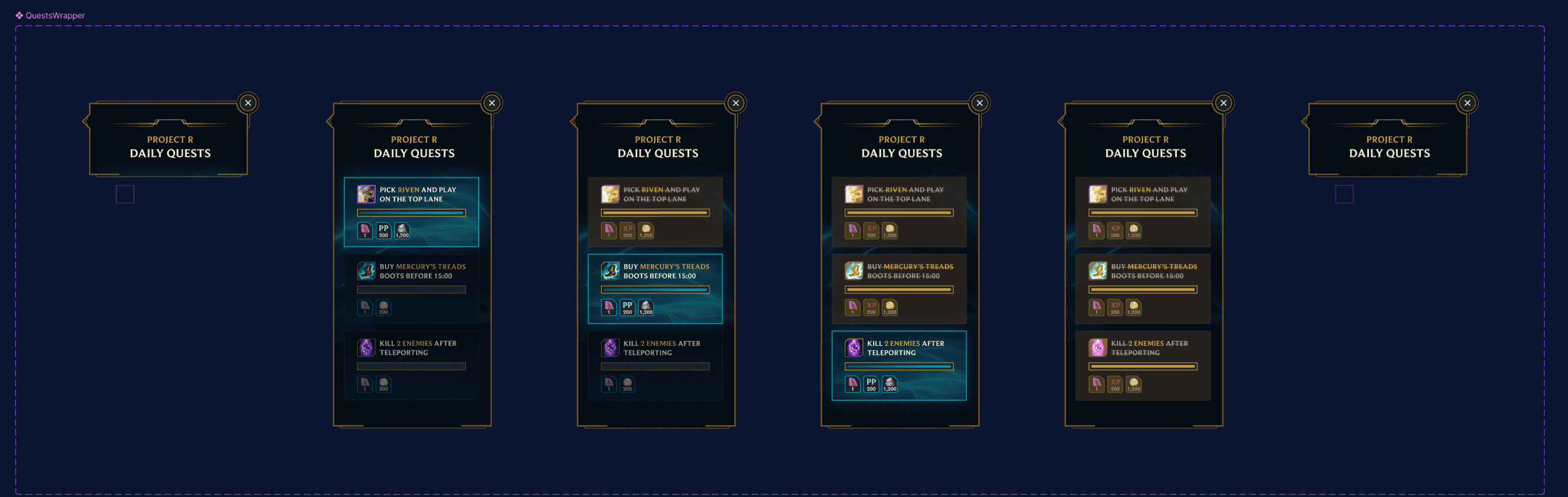
Designed six distinct states for the quest panel, covering the full interaction lifecycle:
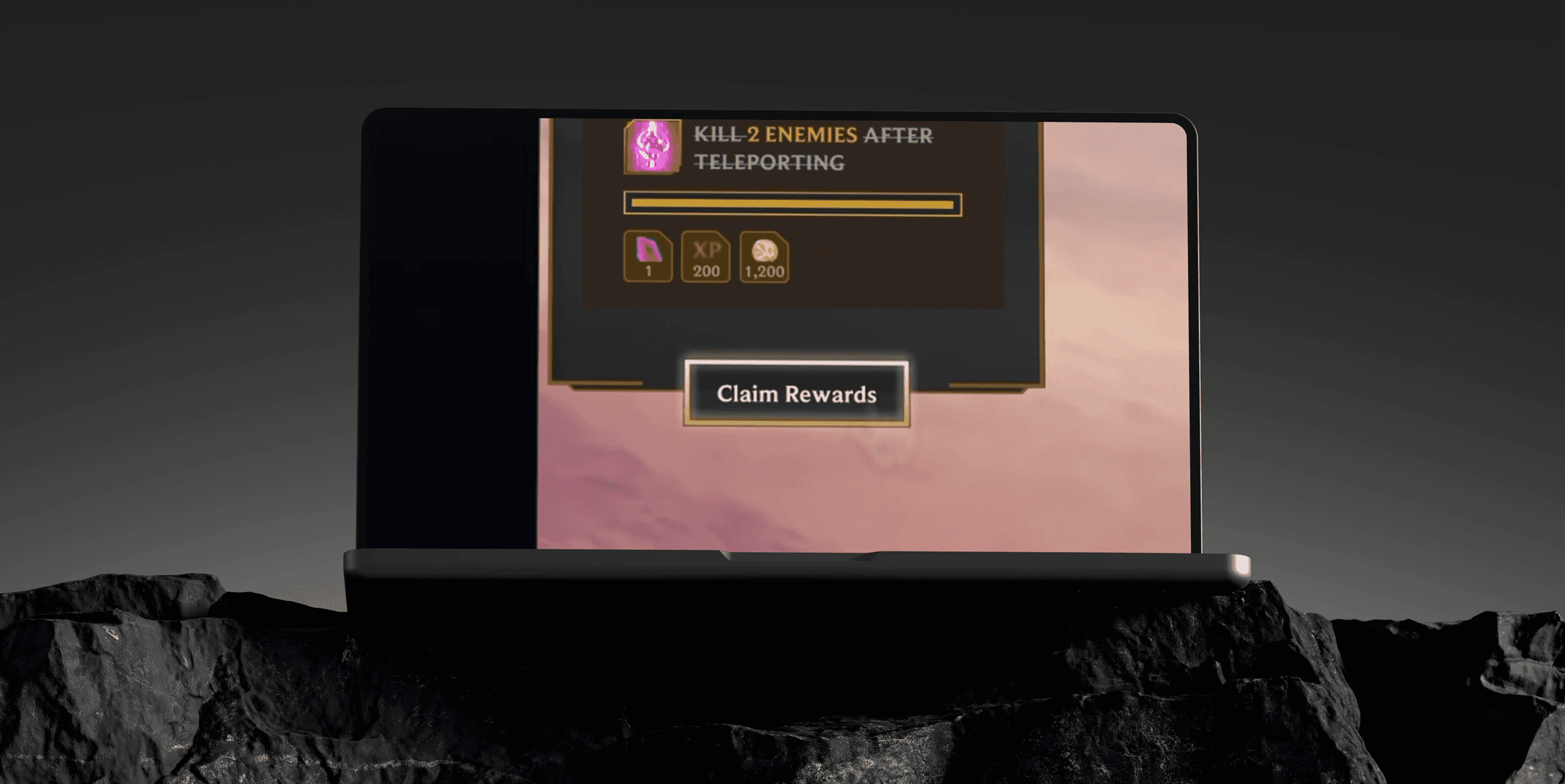
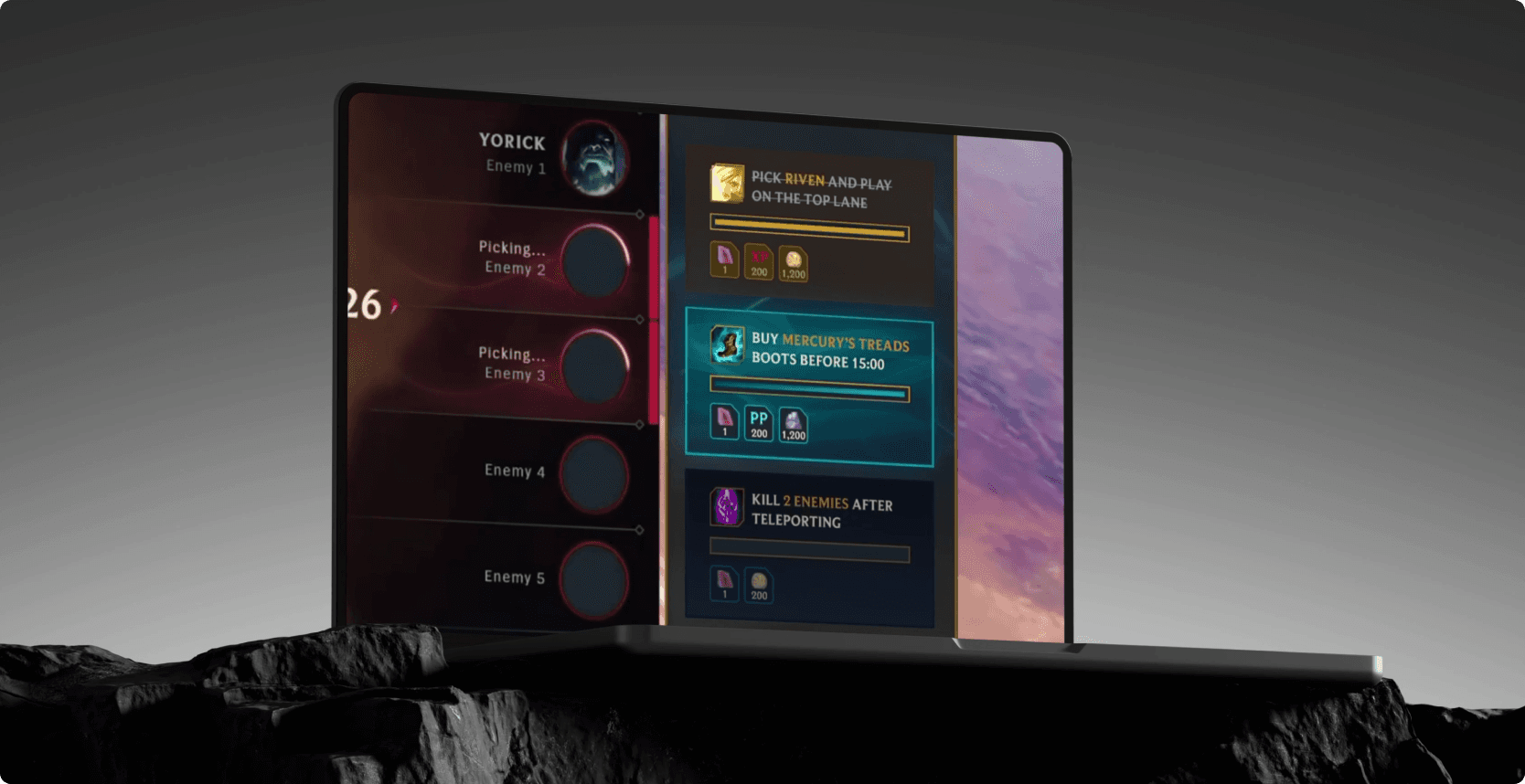
Empty state (no quests loaded), single quest appearing, multiple quests with one highlighted (active/in-progress), quest completing (cyan border glow), all quests complete, and the collapsed view. Each state transition was intentional — the highlighted quest uses a brighter border and elevated shadow to draw the eye without requiring the player to read every card.
The highlight system works because League players are trained to notice border color shifts — it's how the game itself communicates item rarity and ability readiness.
7. Lobby Integration
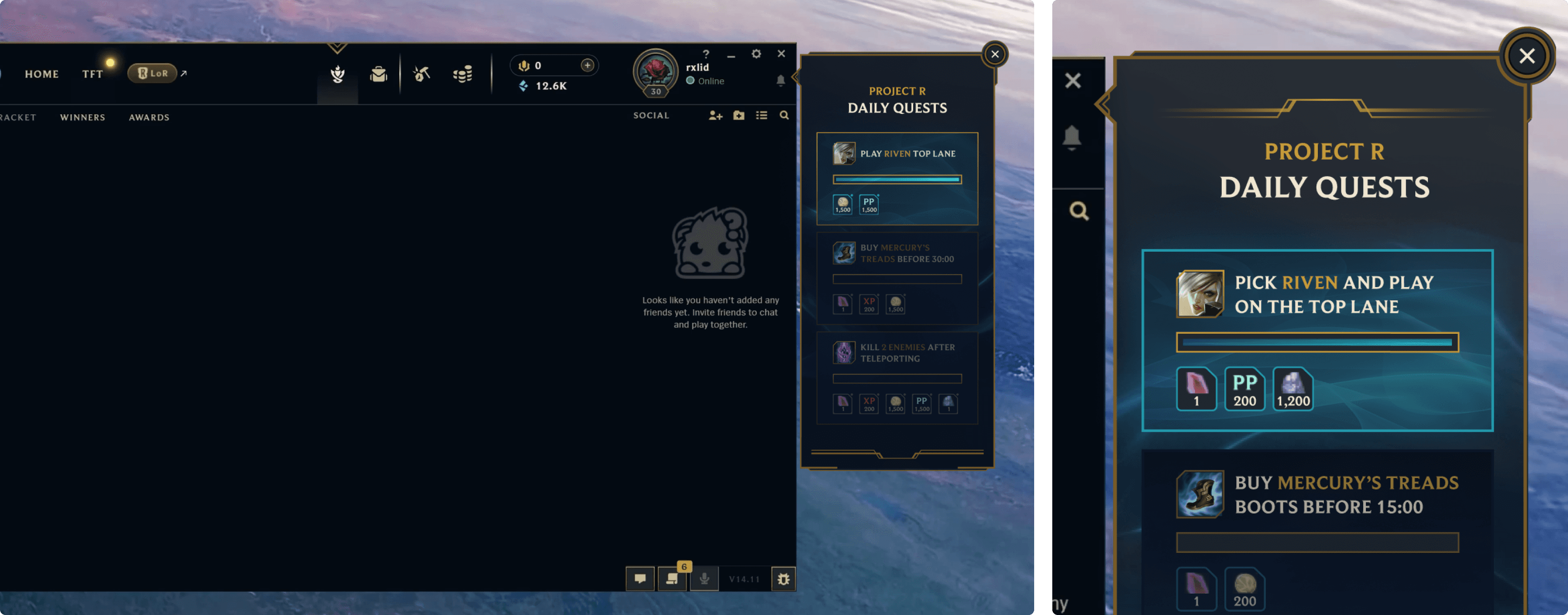
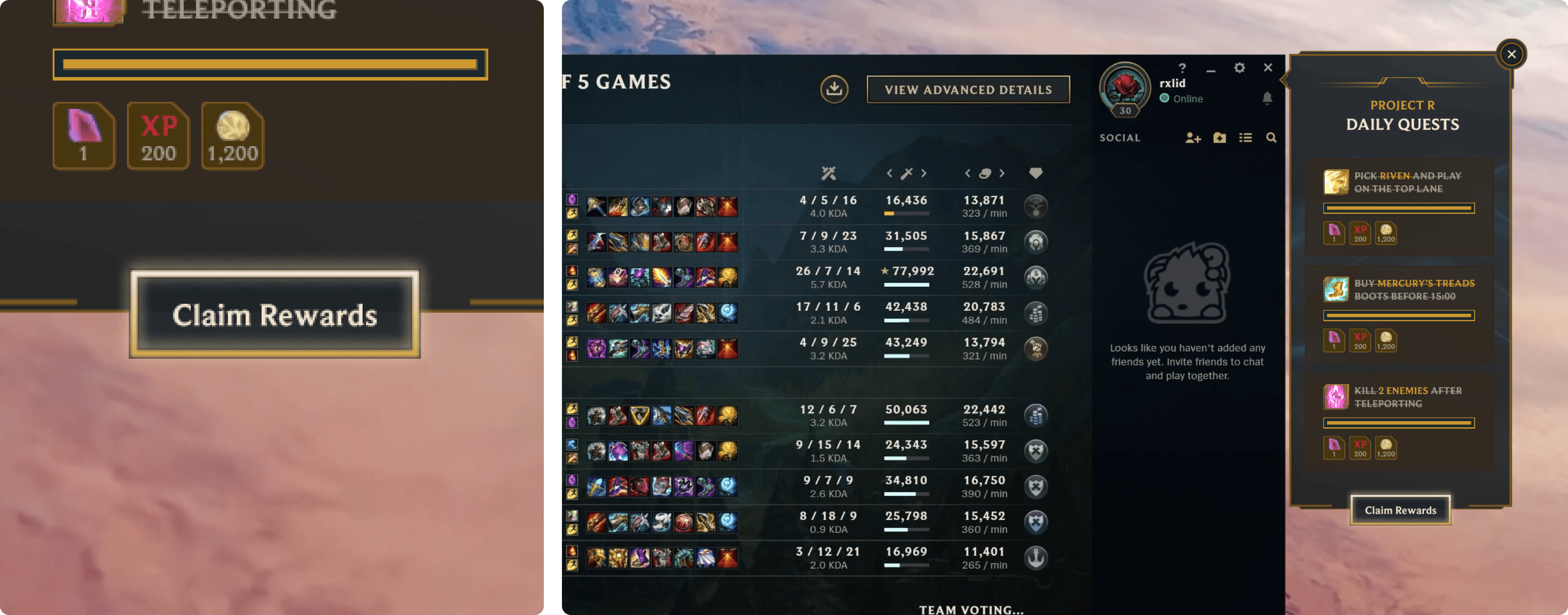
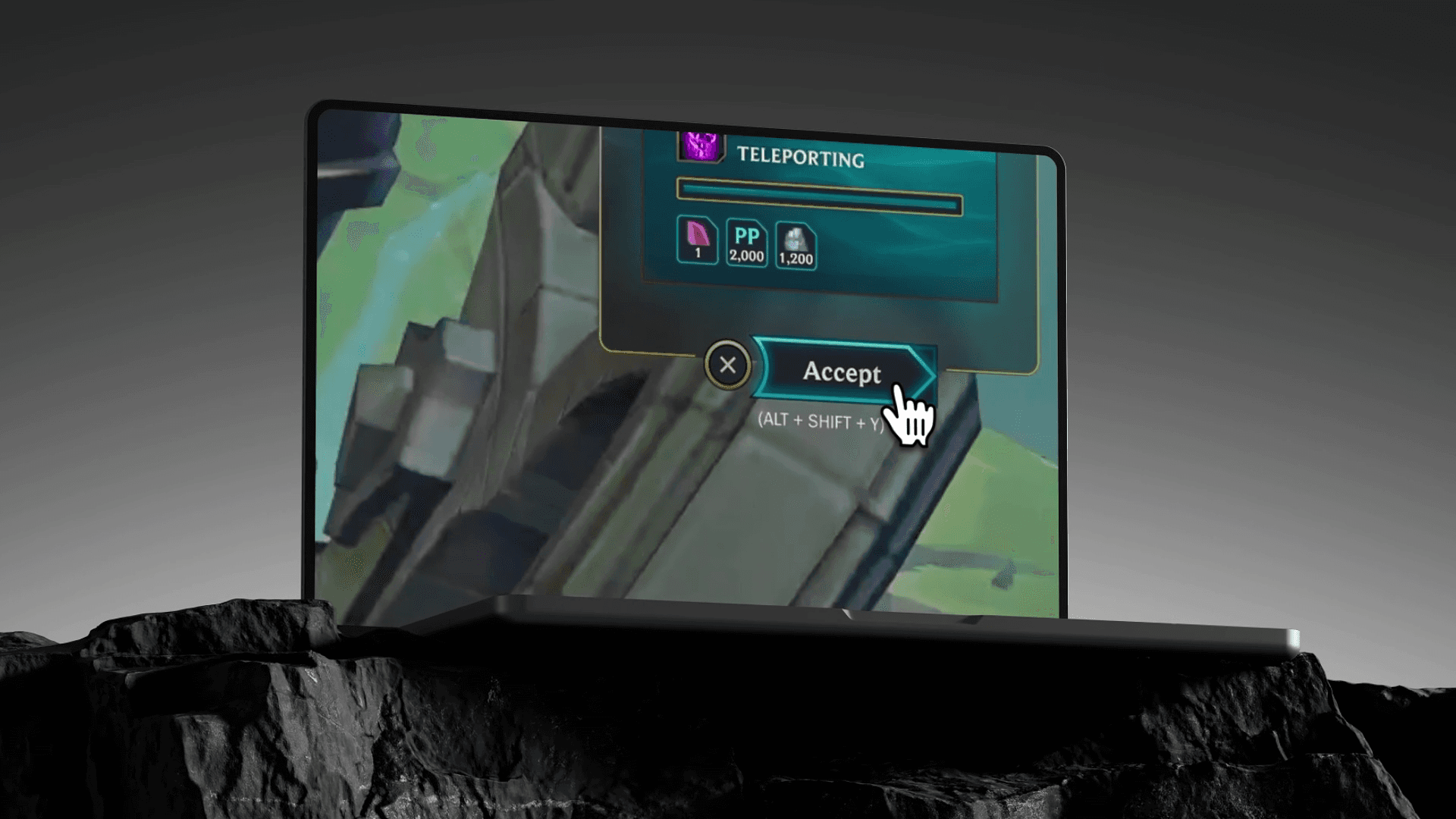
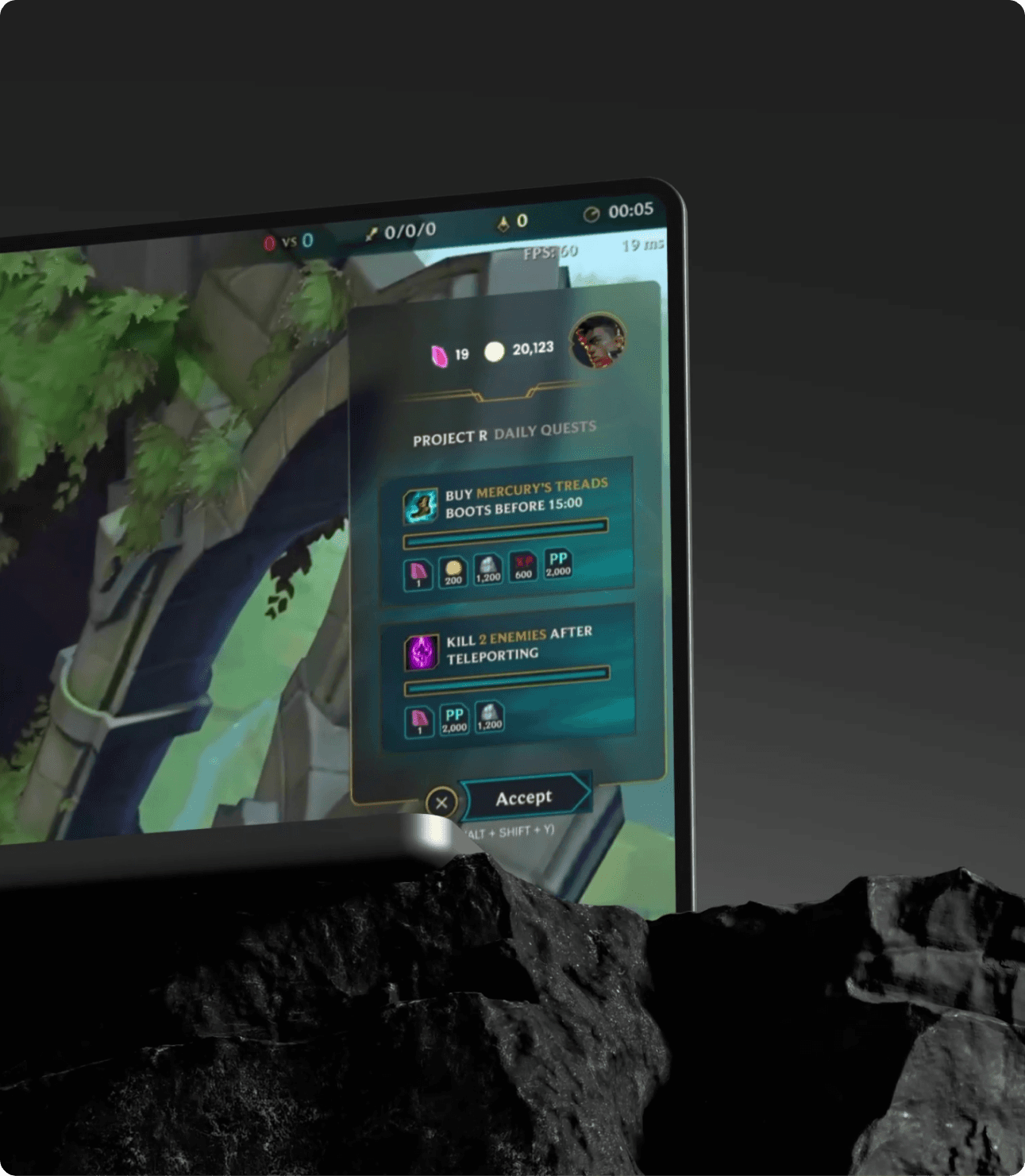
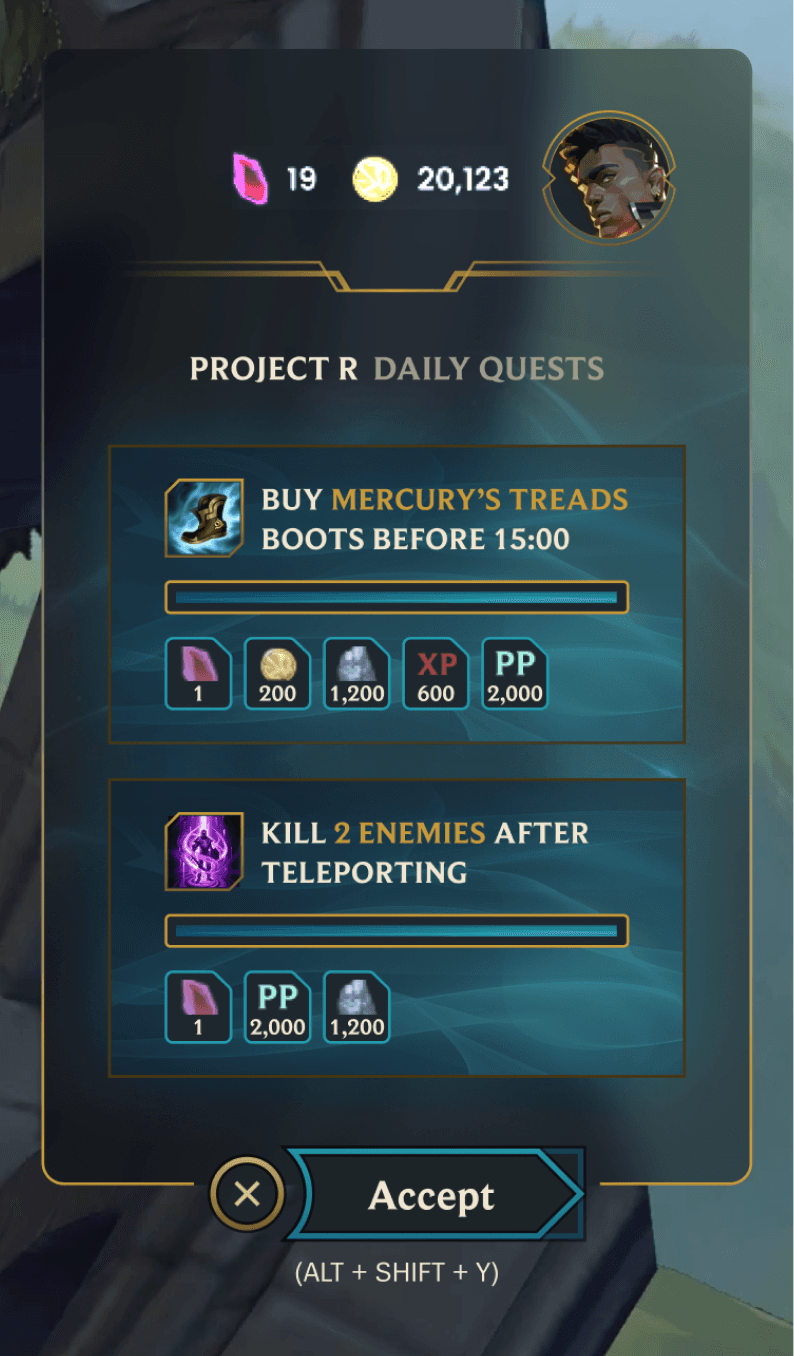
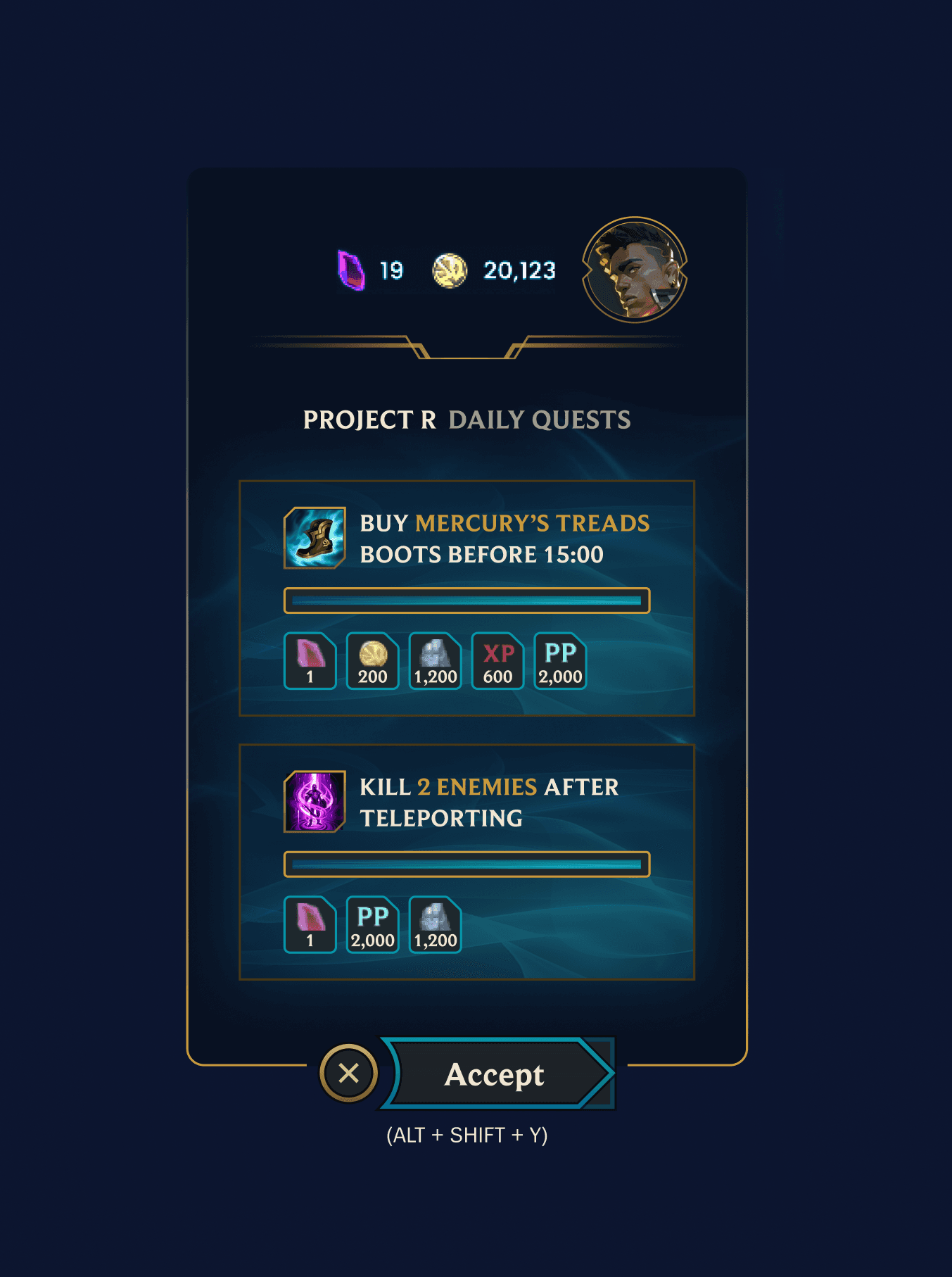
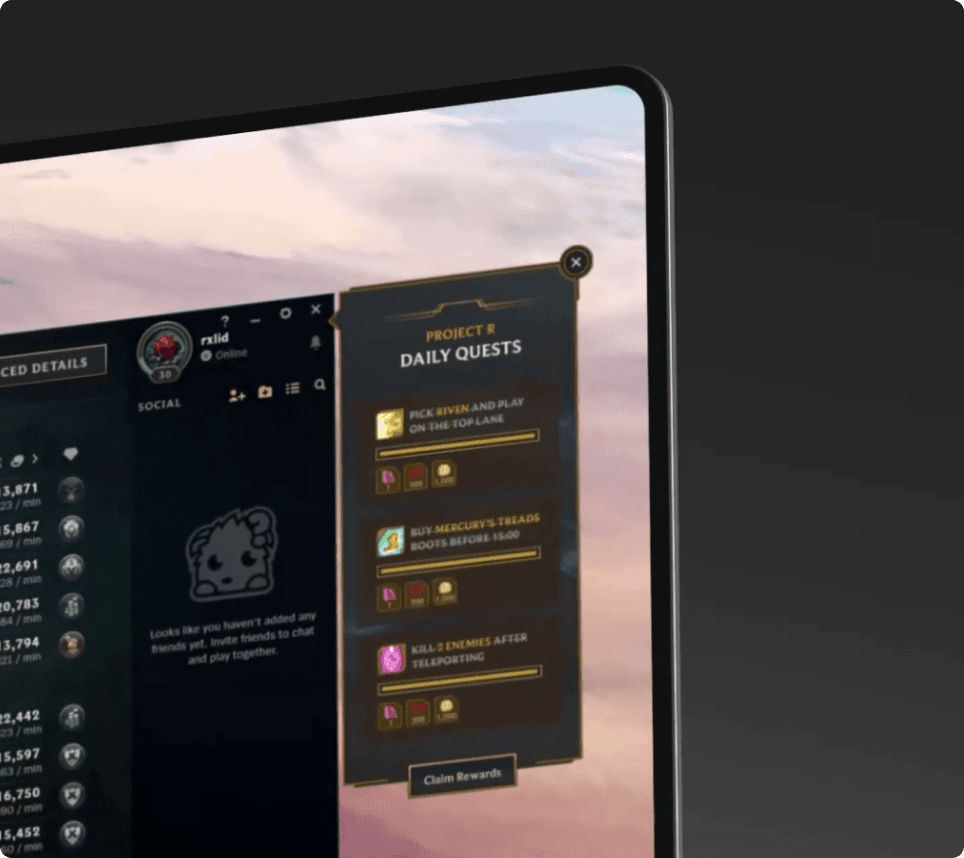
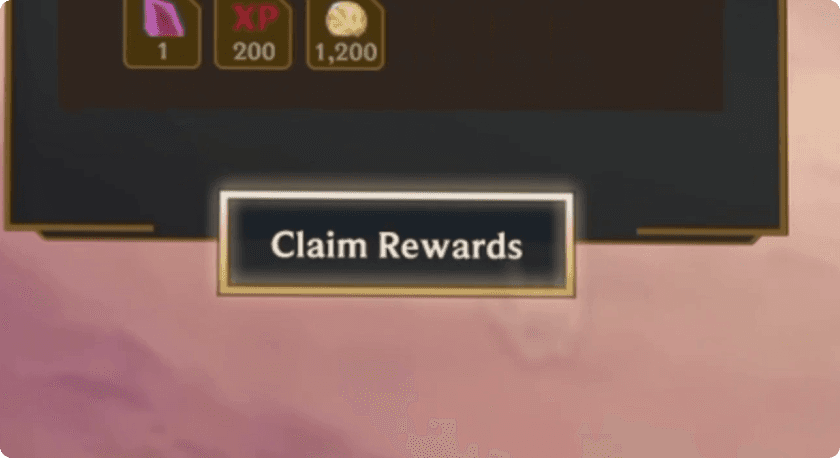
The lobby overlay operates as a side panel within the League client — sitting alongside the friends list and social panel. Here, the full quest experience unfolds: player profile with gem and gold balances, quest cards with complete reward breakdowns (Prism Shards, Gold, XP, PP), and the Claim Rewards CTA for completed challenges.
The panel mirrors the visual density of League's own lobby panels — same dark chrome, same gold accents, same information-per-pixel ratio. Players see it as part of the client, not as a foreign widget.
9. In-Game Overlay
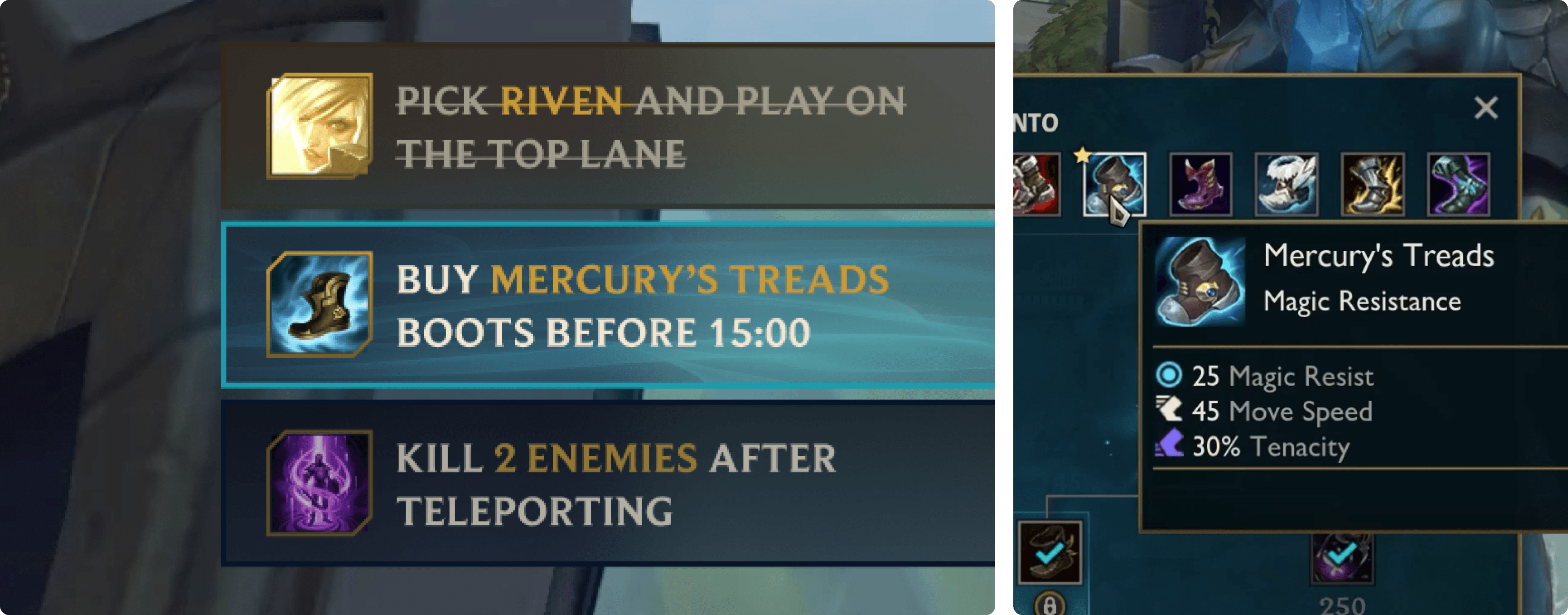
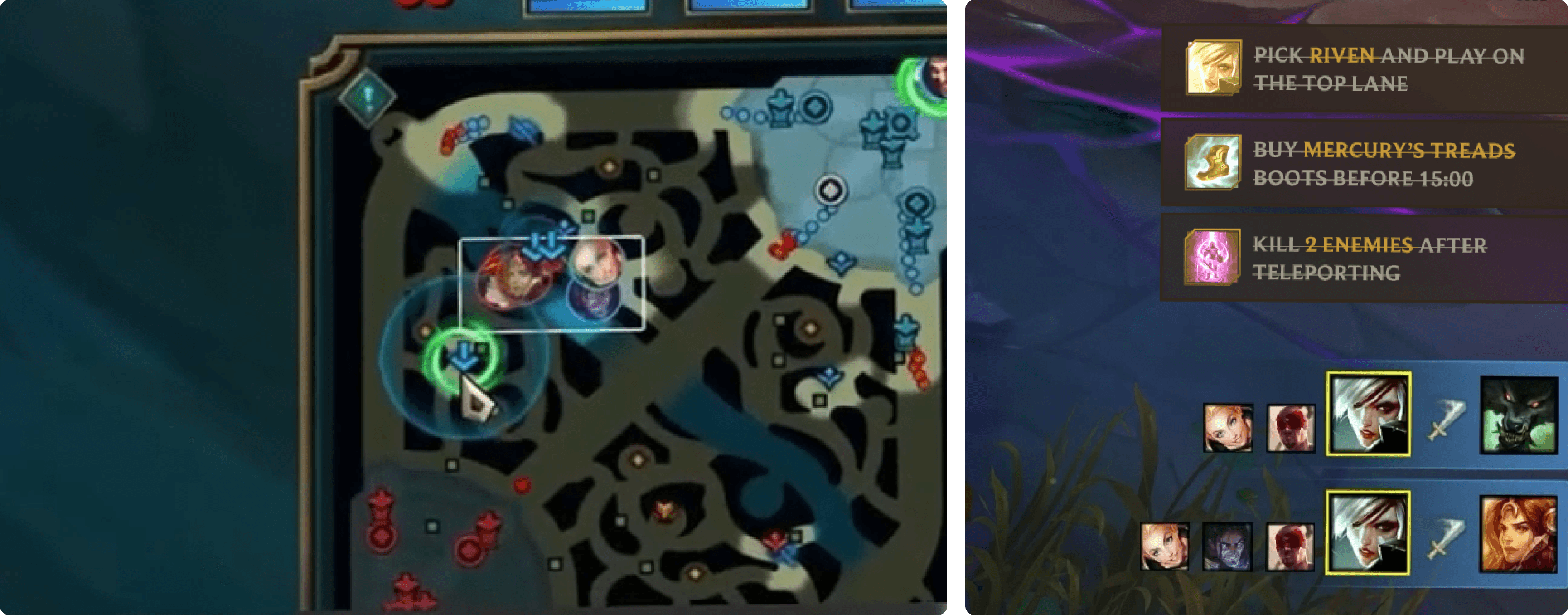
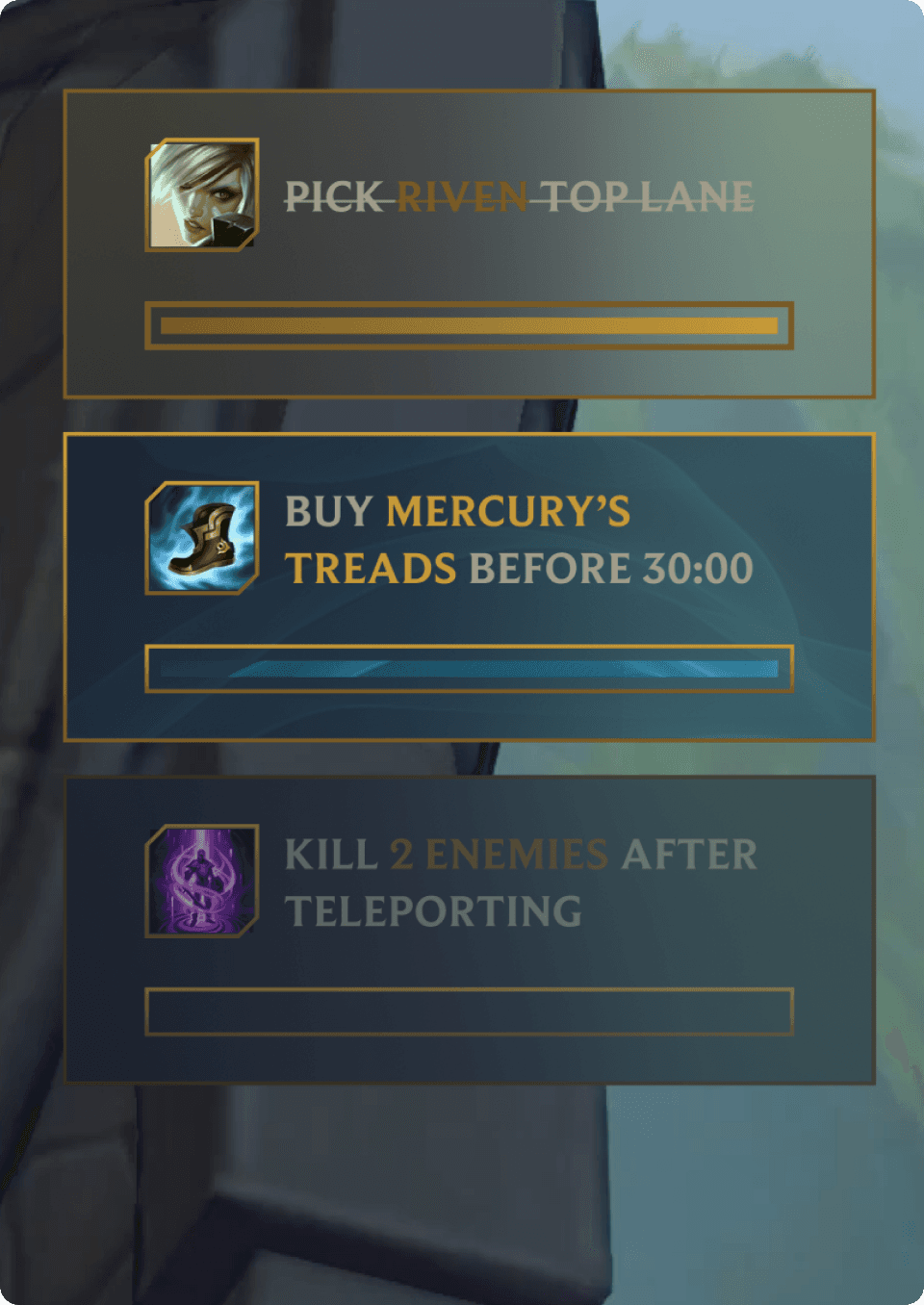
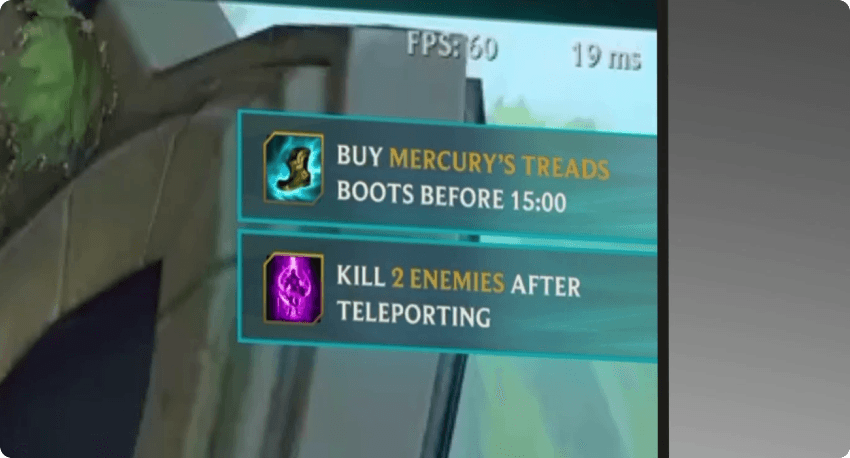
The in-game overlay strips everything to essentials. No user profile, no reward details, no accept button — just the quest objective, champion/item icon, and progress bar. Three cards stacked vertically, anchored to the top-right corner below the game's score bar.
The cards use a semi-transparent dark background with the same Hextech border treatment, but thinner — enough to register as UI without masking the game world underneath. At 60 FPS with 19ms latency (visible in the screenshots), the overlay introduces zero perceptible performance impact.
A quest tracker that demands attention is a quest tracker that gets disabled. This one earns the right to stay on screen.
9. Implementation Details
The quest system tracks real-time game events through Zentry's companion app: champion selection (Pick Riven and Play on the Top Lane), item purchases before time thresholds (Buy Mercury's Treads Boots Before 15:00), and combat actions with conditions (Kill 2 Enemies After Teleporting).
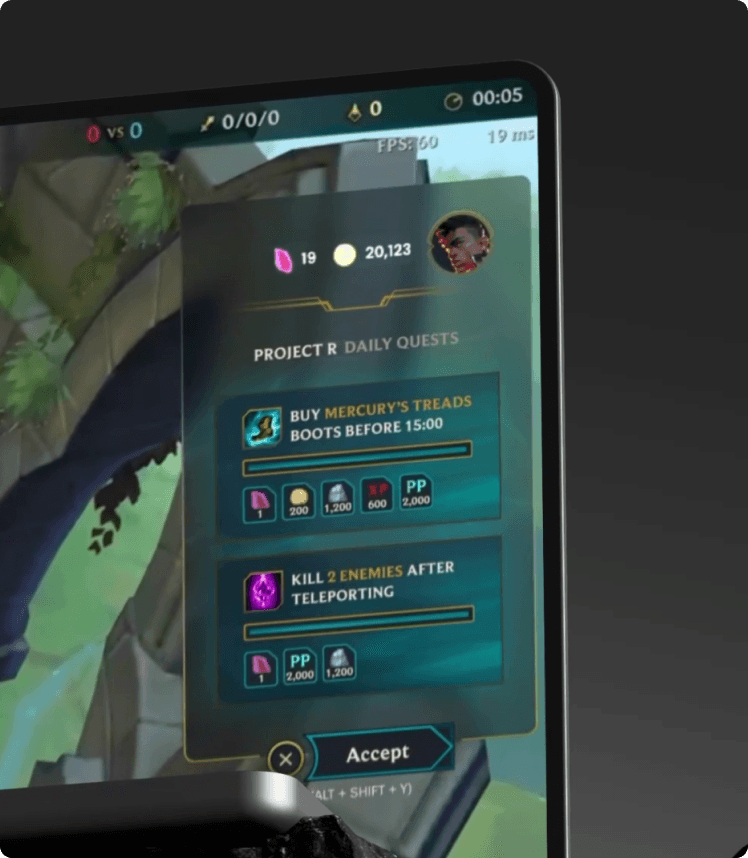
Each quest card displays the relevant game asset — champion portrait, item icon, or ability icon — pulled from Riot's data dragon API. Reward chips show exact quantities with currency-specific icons, letting players instantly calculate the value of completing each challenge.
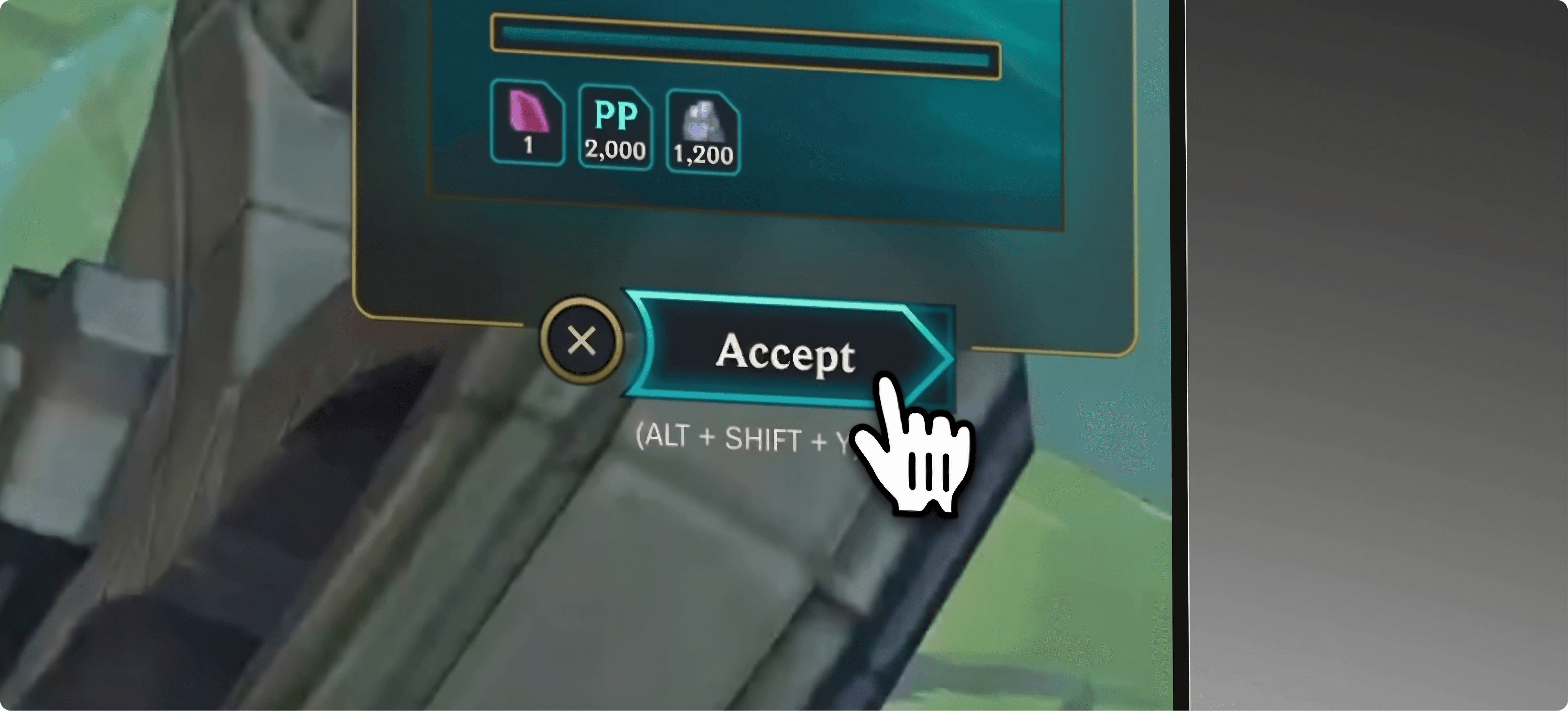
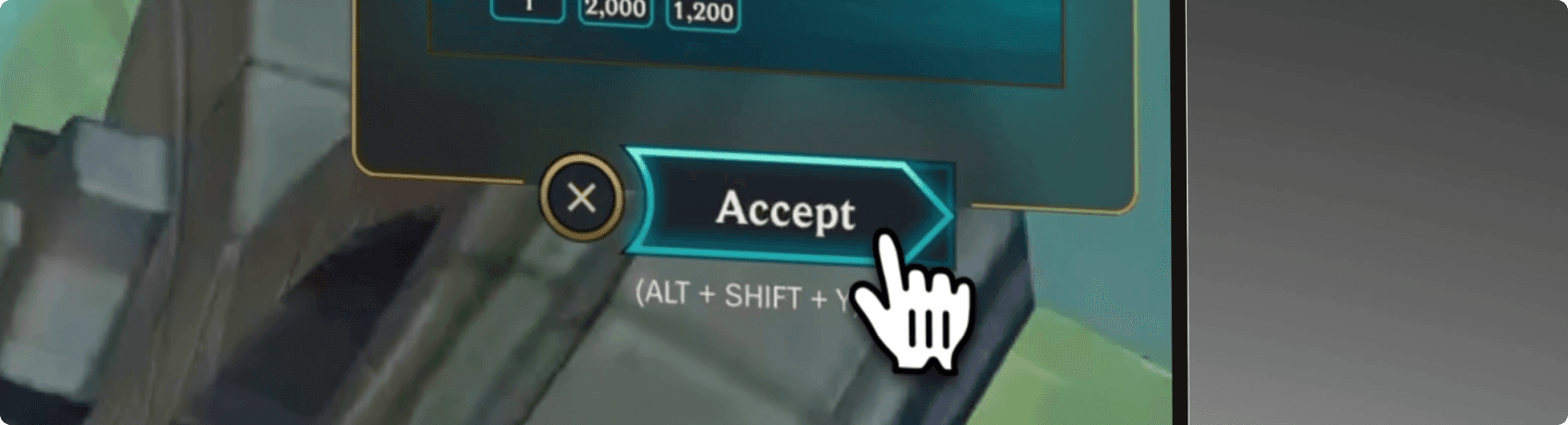
The Accept and Claim Rewards buttons sit at the panel's base with clear keyboard shortcuts, respecting League's convention of keyboard-first interaction for competitive players.